Wi-Fi is a way of life. Between smartphones and laptops, even within our homes, we expect to be connected wherever we are. It’s a powerful resource, but not a perfect one.
At peak times, service can be throttled, and interference from neighboring networks compounds the problem. Even in a modestly sized apartment, Wi-Fi networks can have weak spots. Renters often can’t modify walls to add ethernet ports, and older buildings may limit where a router can even be placed. For homeowners, the cost of professional wiring modifications may outweigh the benefit, even when distance and physical obstructions are weakening Wi-Fi signals. Mesh Wi-Fi systems and Wi-Fi extenders can help, but sometimes the best solution is a wired connection.
The benefits of wired internet
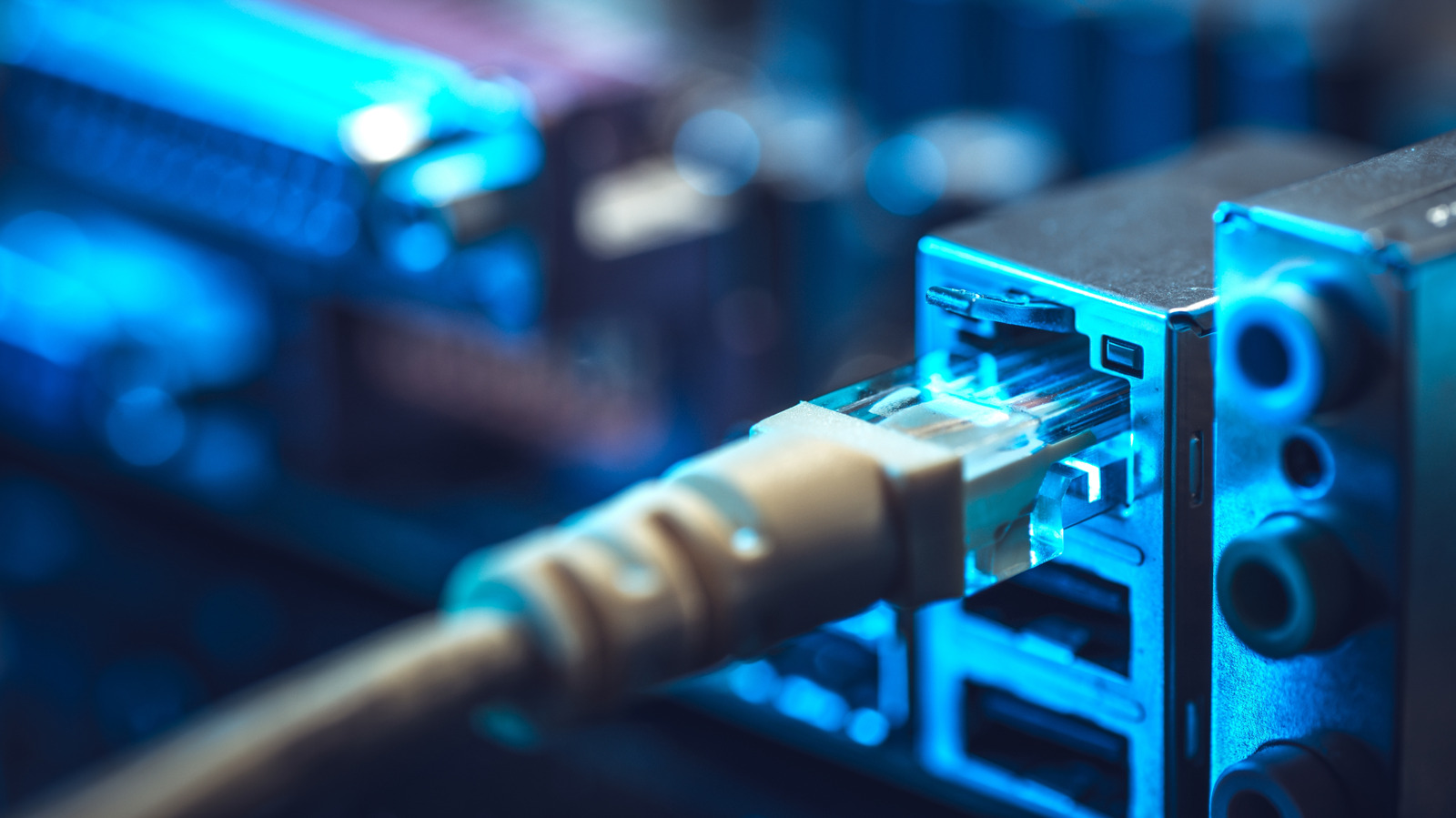
A wired ethernet connection will almost always outperform Wi-Fi. Because your device connects directly to the router via cable, latency drops and signal interference is eliminated. This matters most for demanding tasks like online gaming or video calls, but even casual streaming benefits - picture quality stays consistently sharp with no buffering.
The obvious approach is running ethernet cables throughout your home, but that’s only practical in small spaces without curious children or pets. Cable clips and covers can reduce their visibility, but hiding them completely is difficult.
A more practical alternative is using specialized adapters that work with wiring already inside your walls. These adapters have improved significantly over the years and are now a reliable option for extending wired connectivity. There are three main types, each with trade-offs depending on your needs, home layout, and budget.
MoCA adapters
MoCA - Multimedia over Coax Alliance - uses coaxial cables, the same type used for cable TV, to carry broadband internet signals. Coaxial outlets are common in many homes, often more so than ethernet ports. Because the technology is relatively well standardized, performance tends to be consistent.
If your modem is already connected to a coax outlet, check with your internet provider to see whether it supports MoCA. If it does, you may only need one additional adapter for another coax outlet elsewhere in your home. If not, plan to purchase two adapters. You may also need a cable splitter so the modem and adapter can share a single coax outlet. Current MoCA standards specify a maximum of 2.5Gbps, though real-world speeds will vary depending on the age and condition of your cables and hardware.
Source: Wired Internet Without Running Ethernet Cables: Three Options Worth Knowing