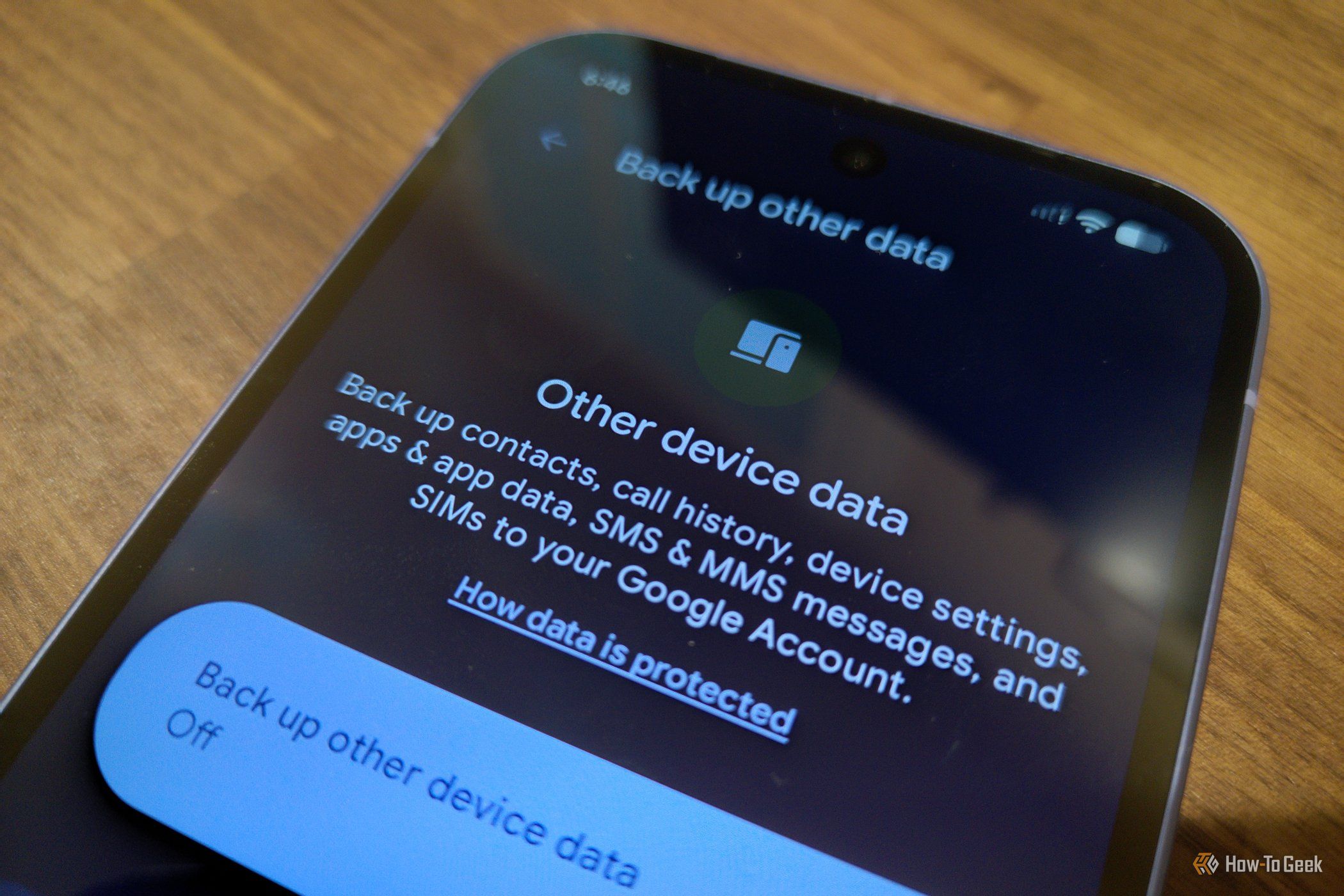
In many ways, Google Messages is a big step forward for texting on Android, but it comes with some notable downsides worth understanding before you enable backups.
Google will only back up your texts to Google Drive
Your activity in Messages gives Google insight into all of your text conversations - a significant reach into parts of private life that the company couldn’t already access via Gmail. While some Google Messages conversations are encrypted, not all of them are.
There’s also a meaningful distinction between Gmail and Google Messages when it comes to choice: Gmail is opt-in in a way that Google Messages is not. If you want to send RCS messages on Android, you have to go through Google’s app. You can’t simply switch providers the way you can with email.
Once signed in to Google Messages, Google will only offer to back up your messages to Google Drive. If you’d prefer to back up to an alternative like Proton Drive, you’ll need to manually export your messages out of Google Messages first.
Storage space can disappear faster than you’d expect
The more you use Google Messages, the more there is to back up. Text takes relatively little space, but photos are another matter. With the improved camera quality on modern smartphones, photos shared over messages can consume significant storage. This happens quietly in the background, and many users won’t realize how much space is being used until Google notifies them that their Drive is full. Checking how much space the app is consuming requires digging into app settings.
A single backup isn’t truly a backup
When backing up data, it’s useful to follow the 3-2-1 rule: three copies of your data, in at least two formats, with one stored off-site. Relying solely on Google Drive for message backups means placing all of your data with a single provider - which may not meet the redundancy standard that genuinely protects your information.
Source: Why Google Messages’ Cloud Backup Is More Trouble Than It’s Worth