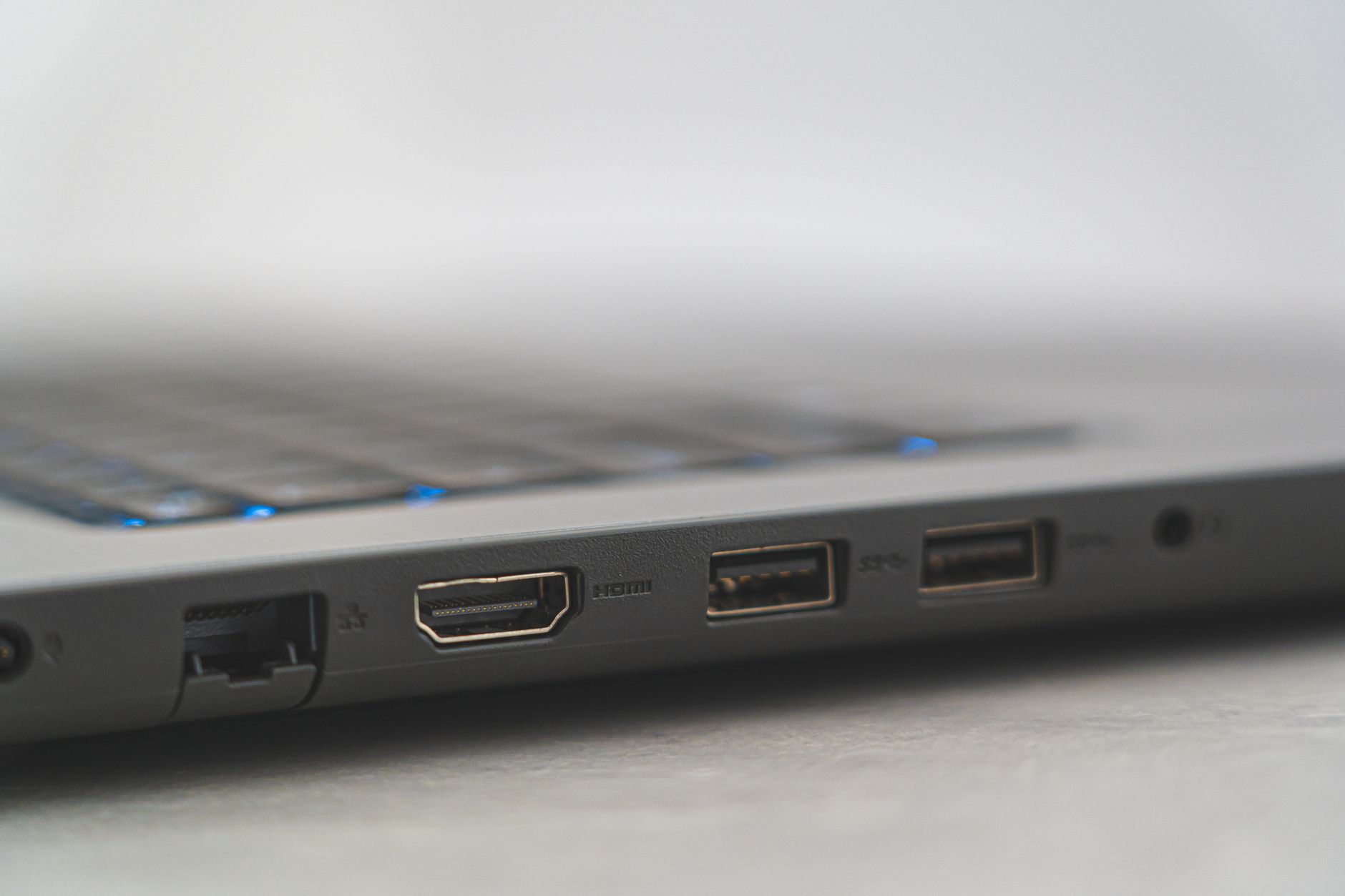
The pitch for the Framework Laptop 13 is that you can upgrade it forever. Swap the mainboard, replace the battery, drop in more RAM. All true, and all good. But I think it undersells the thing you’ll notice on day one: the expansion cards.
Ports as a choice, not a verdict
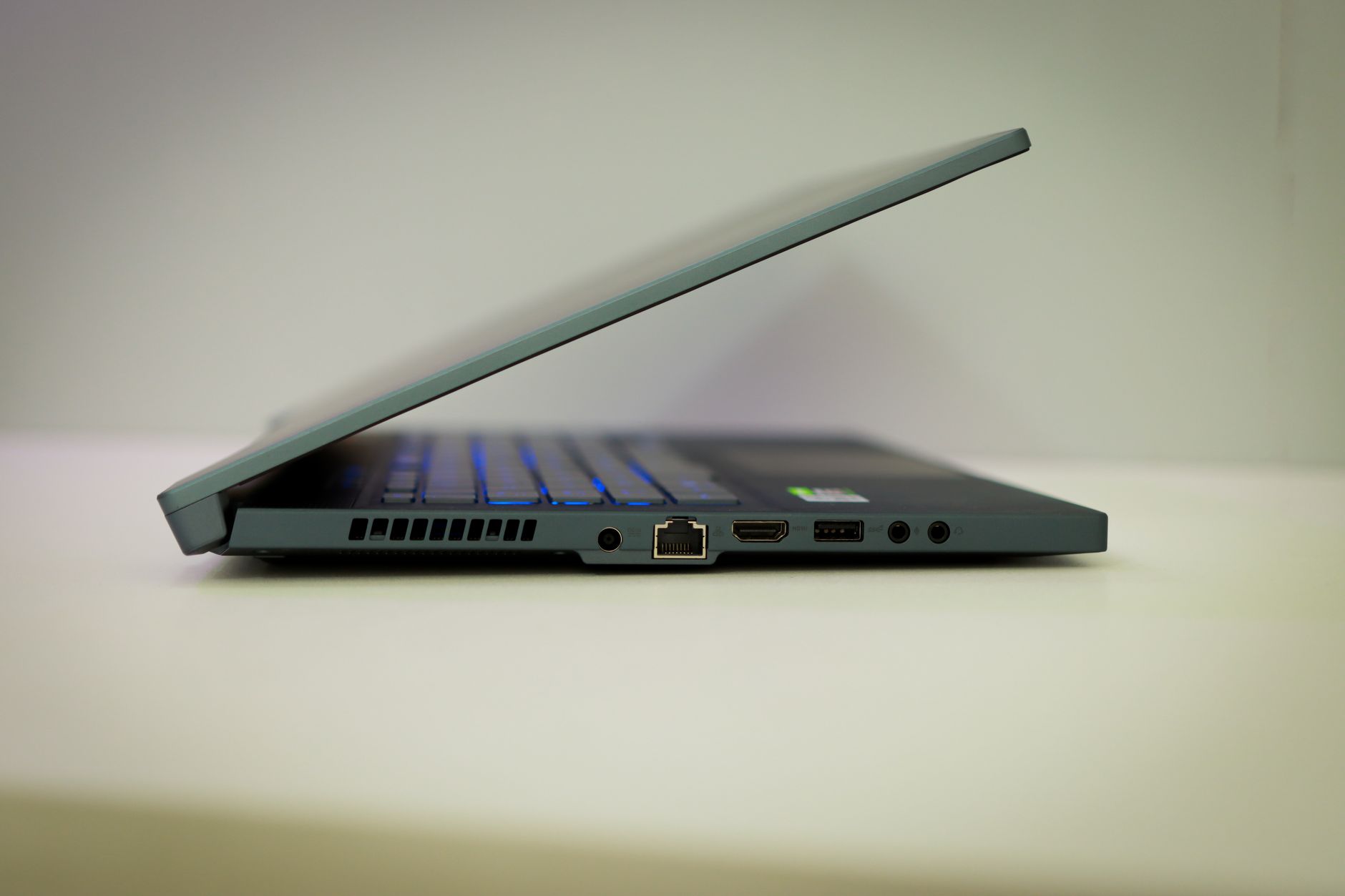
The laptop has four bays, and each takes a small module. USB-C, USB-A, HDMI, DisplayPort, microSD, and Ethernet are among the options, plus storage cards. You slide them in and out with no tools, and you can put them on either side.
This fixes a problem every thin laptop has quietly given up on. Most machines make the port decision for you at the factory, and you live with it or buy a dongle. Framework lets you decide in the morning. HDMI for a client meeting, microSD for a camera dump, and then back to four USB-C for the rest of the week.
It’s the rare bit of modularity that pays off daily, not once every three years when you’d normally be shopping for a new machine.
The DIY Edition is more fun than it should be
Building it yourself means seating the RAM and SSD, snapping in the keyboard and bezel, and installing your own operating system. The screwdriver comes in the box. It takes an evening, and afterward you understand your laptop in a way you never will with a sealed aluminum slab. If something fails, you know which part to order.
The repair story is the real argument for the whole machine. A cracked screen or a tired battery becomes a parts order instead of a shop visit.
Where it falls short
Battery life. In my view it doesn’t compete with a MacBook Air, and I wouldn’t pretend the gap is small. If you spend most of your day away from an outlet, that matters more than any philosophy about repairability.
The part I can’t settle
The upgradeable mainboard is the headline, but I’m not sure most people will ever use it. A laptop that lasts long enough to need one is already doing its job. The port bays, on the other hand, you’ll use every single day, and I keep wondering why the rest of the industry hasn’t copied them.