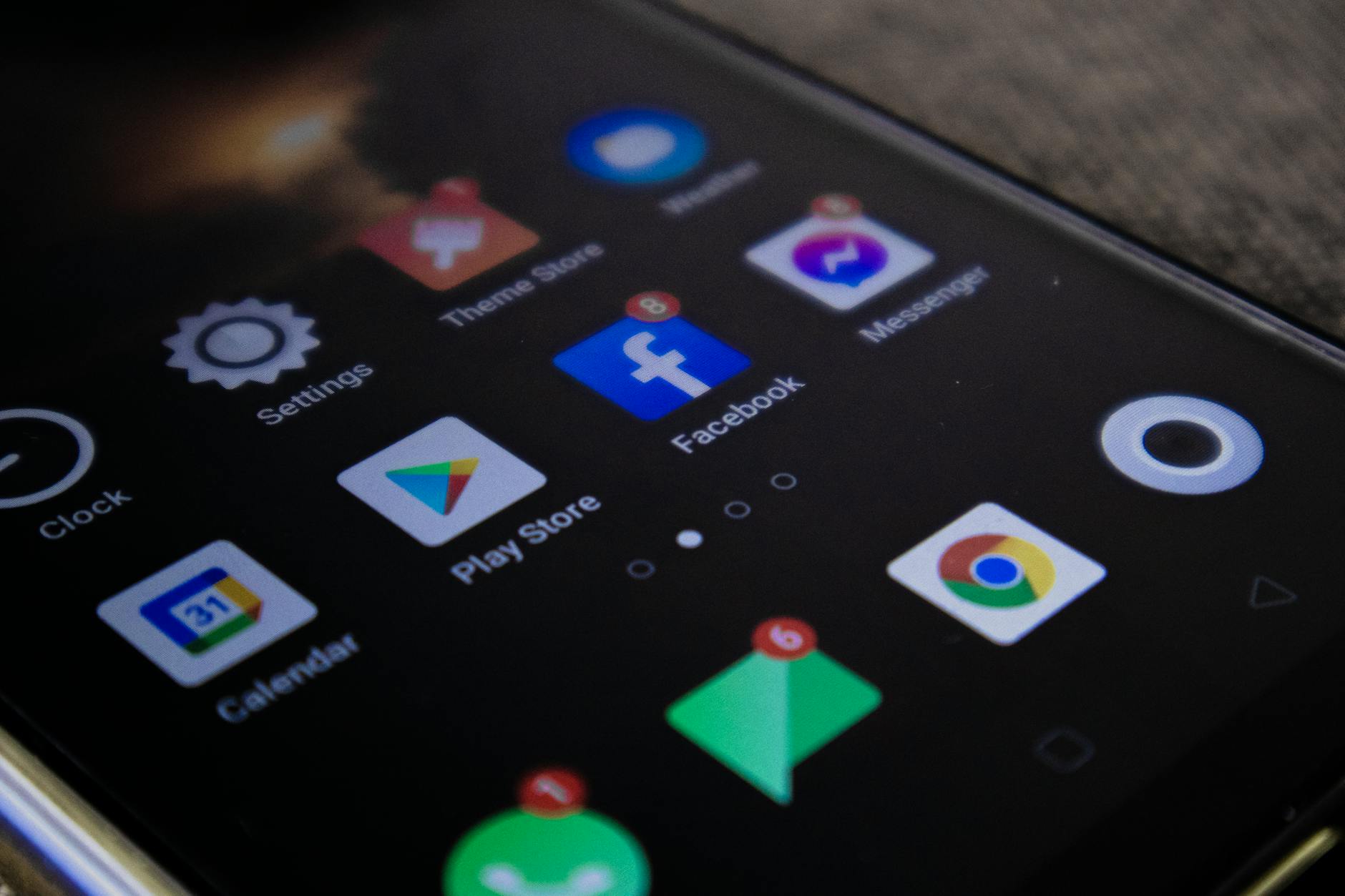
For the most part, using Google apps individually - Gmail for email, Maps for navigation, Keep for notes, Calendar for organization, and Gemini for AI assistance - is the default approach for most users. But the Google ecosystem rewards those who use these tools in combination. By connecting their capabilities, it’s possible to save time and build a smoother workflow. Some of these integrations are fairly obvious, but others are easy to overlook.
Gemini + Gmail + Google Docs: AI-assisted writing without constantly switching apps
Google’s Gemini AI assistant works alongside Gmail and Docs to reduce tedious tasks. Within Gmail, Gemini can summarize long email threads, draft replies, or extract actionable information from conversations - no more digging through dozens of messages. You can ask Gemini to identify deadlines, summarize decisions, or draft a professional response in seconds.
This integration becomes more powerful when paired with Google Docs. Rough ideas pulled from Gmail can be moved into Docs, where Gemini can expand bullet points into outlines, rewrite unclear sections, or adjust tone to suit a specific audience.
Google Keep + Google Calendar: Turning notes into a real schedule
Google Keep functions as a quick-capture tool - useful for article ideas, reminders, shopping lists, and ad-hoc tasks - and it’s accessible across devices, including from the sidebar in Google Drive. The less obvious benefit comes from converting Keep notes into scheduled events in Google Calendar, turning scattered thoughts into actual actionable items on a timeline.
When viewed together, these integrations add meaningful organization to everyday work, making each individual app feel more capable than it does on its own.
Source: Google Apps Work Better Together - Here’s How to Use Them